

LibraryFoundational AI: Do's and Don'ts11 min read
Your Automations Are Logged In As A Person
The ops lead left in July and the Monday invoice chase stopped in August, quietly, with no error and no alert. The handover doc was never the deliverable. The list of what runs under their name was, and three of the four platforms you use will not tell you it exists.
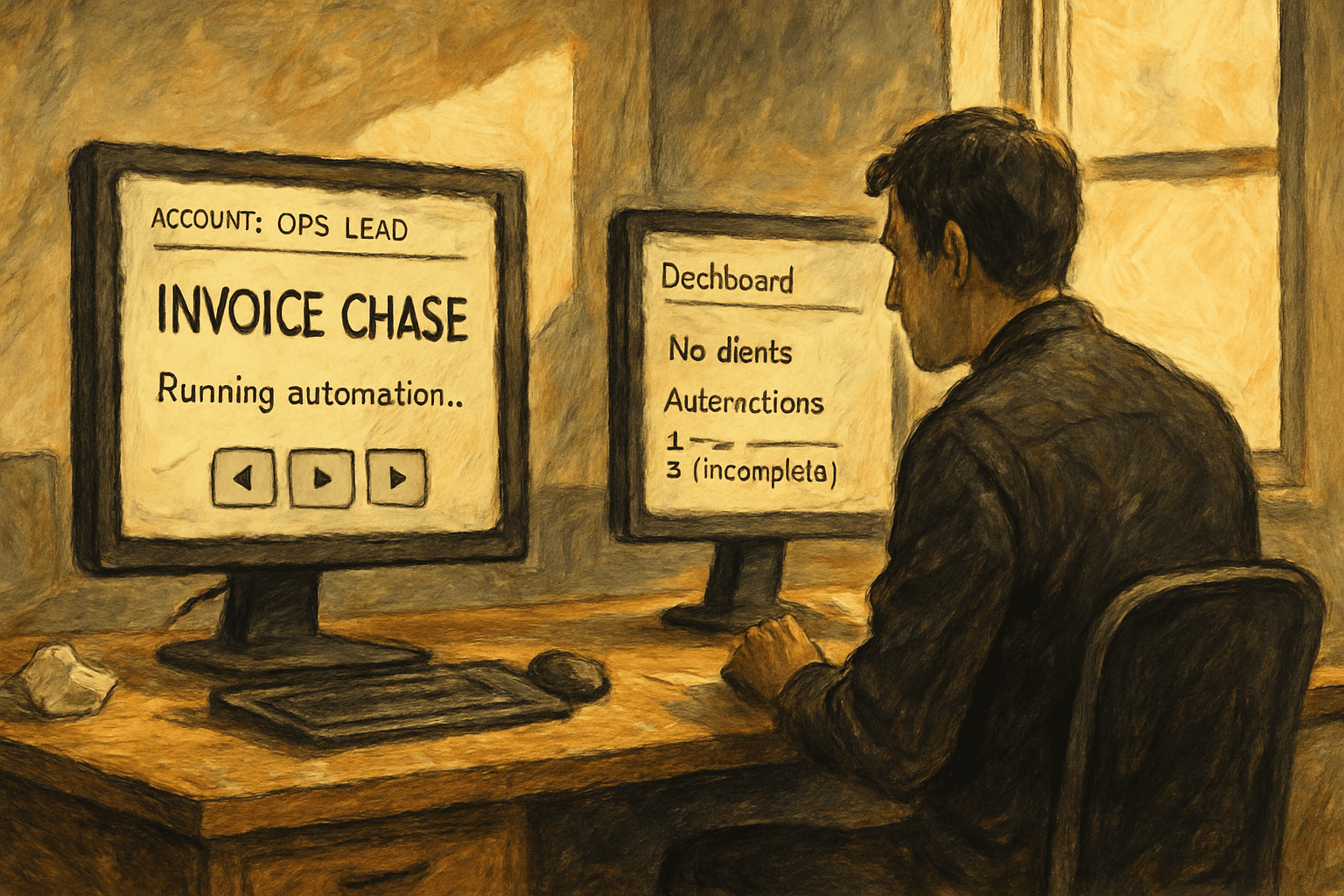
Your operations lead's last day was the eleventh of July. On Tuesday somebody in accounting mentioned, almost in passing, that the Monday aging report had stopped landing in their inbox a while back. You went and looked. It last ran on the eighth of August. Five weeks of invoice chase emails that were supposed to fire at seven every Monday morning did not fire, nobody got an error, nothing turned red anywhere, and at a shop billing a couple hundred thousand a month, five weeks of nobody chasing is a real number sitting in the wrong column of your balance sheet.
There was no outage. There was no bug. The automation was logged in as a person, and that person does not work here anymore.
The answer: the deliverable is the list of logins, not the documentation
Before your builder's last day, the thing you need from them is not a handover document. It is an inventory of every automation that runs under their name, and a transfer of each one done in a specific order, platform by platform.
And the test that it worked is not whether anybody wrote anything down. The test is whether you can deactivate that account right now, today, with them still sitting there, and watch a full week go by with nothing breaking. If you are not willing to run that test while they are still on payroll, you have not done the handover. You have collected a document.
I want to be careful here, because "get documentation before they leave" is the advice everybody gives and it is not wrong, it is just aimed at the wrong failure. Documentation solves the problem of nobody understanding what the automation does. That is a real problem and it shows up in month six. The problem that shows up in week three is different and more mechanical: the automation understood itself fine, it simply lost permission to exist.
Your automations do not have accounts. Your people do.
Here is the thing that makes this category of failure so quiet. In almost every tool an operator builds in, there are two separate objects and only one of them is visible.
There is the automation itself, the flow or the Zap or the scenario, which is a record in a database somewhere with a name you gave it. And there is the connection, which is the stored authorization that lets that record actually touch your email, your CRM, your accounting system. The first one is the thing you see in the interface. The second one is the thing that does the work, and it is almost always minted against a human being's identity.
Transferring the first does not always transfer the second. Sometimes it cannot. And when the connection dies, the automation does not report a failure in any way you would notice, because from the platform's point of view nothing failed. A thing that was allowed to run stopped being allowed to run. That is a permissions state, not an error.
So the correct mental model is not "we have forty automations and we need to know what they do." It is "we have forty automations and each one is currently borrowing one person's credentials, and we need to know whose."
Once you hold it that way, the platform-by-platform mechanics stop being trivia and start being a schedule.
Microsoft starts a fourteen-day clock and nobody tells the right person
Power Automate is the one with an actual deadline attached, which makes it the one to do first.
Microsoft's own documentation is direct about the failure state. A flow whose owner is gone becomes what they call an orphaned flow, and the remedy they describe is to add one or more co-owners, who then have full control and can re-authenticate the connections and switch the flow back on. Note the tense. That page is written as troubleshooting, for after it has already gone wrong, because that is when almost everybody arrives at it.
The clock is in the licensing rules. When the departed owner's premium license goes away with them, Microsoft notifies the flow owners and turns the flow off in fourteen days if nobody acts. Fourteen days is generous as these things go. The catch is who gets notified: the flow owners. Which, in the case we are discussing, is a mailbox that is being wound down, forwarded to somebody who is not reading it carefully, or already gone.
The fix is boring and takes minutes. Microsoft documents changing the owner of a cloud flow directly, and an admin can do it from the admin center or in bulk with PowerShell. What Microsoft does not do is reassign personal flows automatically when somebody leaves. That is a decision, and it is on you.
Zapier will hand you the Zaps and quietly change the address
Zapier is the opposite shape of problem. The transfer works beautifully, and that is the trap.
When you remove a member from a Team or Enterprise account, Zapier walks you through transferring their Zaps and app connections to another user, defaulting to the account owner, and you can set how long private app connections stay alive after the handover. The new owner gets an email with a CSV of everything that moved. As offboarding flows go it is genuinely well built.
Then there is the line most people skim past, and it is the one I would tattoo on the inside of an ops manager's eyelids. Zaps triggered by a webhook use a unique URL, and that URL contains the owner's Zapier ID. Transfer the Zap and the URL changes. The old address stops working. The Zap is fine, it is owned correctly, it is enabled, it is sitting there waiting, and the form or the app or the vendor system on the other end is still posting to an address that belongs to a person who left.
Read that again in terms of what you will actually observe. You did the handover correctly, by the book, using the flow Zapier designed for exactly this, and the result is that a set of your automations silently stopped receiving anything. Nothing errored. Nothing retried. Webhooks do not knock twice.
Zapier tells you to go update the URL in every app where you entered it. That is the whole job, and it is the step that requires you to know where those URLs were pasted, which is usually in somebody else's system, possibly a vendor portal, possibly a website form built by an agency three years ago.
HubSpot will not touch a single workflow when you deactivate somebody
HubSpot is the third shape: nothing breaks in a way you can see, and things stop happening.
HubSpot's guidance on deactivating and removing users is explicit that if the person owns assets, or appears in the criteria of a tool like a workflow, you need to go take them out of those places yourself. Deactivation does not reassign anything. It just makes the person invalid, and then the automation keeps running with an invalid person inside it.
The specific behaviors are worth knowing because each one costs you something different. A deactivated user gets skipped by the rotate-record-owner action, so your round robin quietly starts dealing to a smaller table. They stop being an option when a workflow tries to set an owner. And a workflow that triggers when a meeting is booked with that person does not fire anymore, which means the sequence that was supposed to send a confirmation and a reminder does not send them, and the first anybody hears about it is a no-show.
Reassign before you deactivate. Always in that order. Once the account is off, finding everywhere it was referenced is archaeology rather than administration.
The two you cannot transfer at all, only rebuild
Then there is the category nobody warns you about, where the answer to "how do I move this" is that you do not.
Make organizes things around teams, and its help on teams describes connections and data as belonging to a team, with members able to reach only what their team owns. In practice that means moving work between teams does not bring the connections along, and the creator on an existing scenario is not something you edit. When somebody leaves, you are frequently looking at recreating the connection and, depending on how it was set up, the scenario around it.
Google Apps Script is the same story with a cleaner statement of the rule. Google's documentation on installable triggers says plainly that they always run under the account of the person who created them. Every timed script anybody on your team ever attached to a spreadsheet is running as that individual. If your whole back office is Sheets plus a few scripts somebody clever wrote, which describes an enormous number of businesses honestly and without shame, then your back office runs on one person's continued employment and the documentation for that fact is one sentence on a developer page.
For both of these the answer is to rebuild under an account that belongs to the company rather than to a human, and to do it before you need to, because rebuilding under deadline is how you discover which of the forty automations nobody actually understood.
How to run it, in order
Start by asking the wrong-sounding question. Not "what did you build," which produces a list of things they are proud of, but "what is connected to your login," which produces the list that matters. Go tool by tool and have them open the connections or connected-accounts page in each one while you watch. That conversation takes an hour and it is the entire value of the handover.
Do Microsoft first, because it is the only one with a countdown. Add co-owners to every flow while the person is still there to tell you which ones matter.
Do Zapier second, and do it on a morning you can babysit. Transfer, then immediately go and fix every webhook address in the sending system, then send a test payload through each one and confirm it arrives. Do not batch this. The gap between transfer and fixing the address is a window where real data goes nowhere.
Do HubSpot third, and remember the order inside it: reassign the assets and pull the person out of workflow criteria, then deactivate. Never the other way around.
Rebuild the Make scenarios and the Apps Script triggers last, under a company-owned identity, and accept that this part is real work rather than a checkbox.
Then run the test. Deactivate the account for a week while the person is still employed and still reachable, and let a full cycle go by, including the weekly things and, if you can stand to wait, the monthly ones. Monthly automations are where this bites hardest, because the interval between breaking and noticing is long enough that nobody connects the two events.
The honest take
The clean version of this answer is "put everything under service accounts," and I want to be straight about what that costs, because the people selling that advice usually are not.
A service account is a seat. On per-seat pricing it is a real line item every month, forever, for a user that never logs in. On some platforms a dedicated non-human account is against the terms, or only available on a tier above the one you are on, and you will find that out at renewal.
The security trade is the bigger one. A shared login that four people know the password to is worse than what you have today. You have replaced key-person risk with a credential that never rotates, never gets revoked when somebody leaves, and cannot have a second factor tied to anybody's phone. If you are going to do this, the account needs a real mailbox nobody uses for anything else, a password in whatever manager you already run, and a second factor that lives somewhere physical rather than in one employee's pocket. If the platform has a proper service principal or an app token that is not attached to a person, use that instead and skip the whole problem.
There is also a case where this answer simply does not apply. If the builder already left months ago and nobody got the list, some of what they made is genuinely unrecoverable, and the honest move is to time-box the excavation to a couple of days and then stop. Rebuild what you can name. The rest of it will announce itself eventually, and a surprising amount of it will turn out to be an automation that nobody missed for six weeks, which is information too. An orphan that went unnoticed for over a month is not automatically worth rebuilding. Sometimes the discovery is that you were paying to maintain something that had already stopped mattering.
And none of this makes the automations good. Fixing ownership fixes whether they run. Whether they should run is a different question and this exercise does not answer it, though it does hand you the only complete inventory you are ever likely to have, which is a decent moment to ask.
Every automation in your business has a person's name on it right now. Nobody put it there on purpose, and until somebody goes and reads those names out loud, the whole thing is running on one human being's decision not to take a better offer.
Sources
Every claim above traces back to one of these. Go read them yourself.
- 01Manage orphaned flows when owner leaves organization
Microsoft Learn / learn.microsoft.com / retrieved Sep 17, 2026
- 02When premium flows are subject to license enforcement
Microsoft Learn / learn.microsoft.com / retrieved Sep 17, 2026
- 03Change the owner of a cloud flow in Power Automate
Microsoft Learn / learn.microsoft.com / retrieved Sep 17, 2026
- 04Change ownership of shared Zaps
Zapier Help Center / help.zapier.com / retrieved Sep 17, 2026
- 05Remove members from your Team or Enterprise account
Zapier Help Center / help.zapier.com / retrieved Sep 17, 2026
- 06Deactivate and remove HubSpot users
HubSpot Knowledge Base / knowledge.hubspot.com / retrieved Sep 17, 2026
- 07Installable Triggers
Google for Developers / developers.google.com / retrieved Sep 17, 2026
- 08Teams
Make Help Center / help.make.com / retrieved Sep 17, 2026
Suggested reading
Selected articles based on topic, tags, and skill focus across the library.
AI News
The workflow came prebuilt. Your data did not.
Anthropic shipped 43 ready-to-run small business workflows yesterday, including one that answers an after-hours web form, qualifies it, books it, and logs it. The connector counts underneath each one are the real story, and so is the input nobody mentions.
Vibecoding News and Updates
Nobody audits your guardrails except the changelog
The settings file listing what your agent may never touch is what replaced sitting there clicking approve on every command. Between September 6 and September 10, roughly ten fixes shipped describing places that file was not being enforced, and the only reason you know is that somebody wrote it down.
Foundational AI: Do's and Don'ts
Your Team Uses Personal AI Accounts. Ban It Or Buy It?
Twelve people on a paid AI workspace runs about $2,880 a year. Twelve people on their own logins runs zero, and what that zero buys is a set of data terms somebody on your payroll agreed to on their phone.