

LibraryGit Articles9 min read
HyperFrames and the penny you pay per render
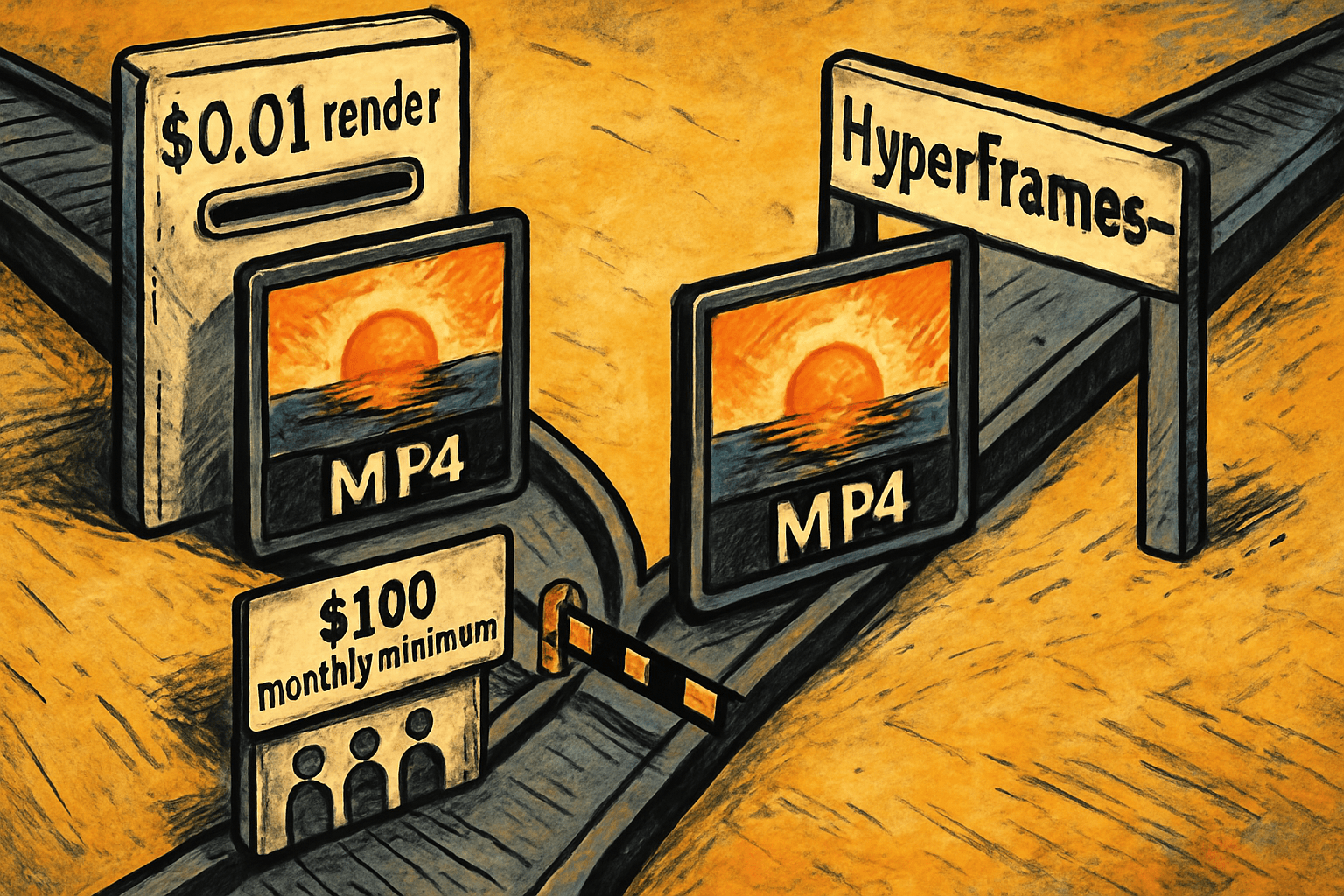
Point a script at your product list and have it cut a fresh fifteen-second video for every item, every week, without anyone opening a video editor. That workflow has had a meter on it. Remotion, the tool most teams reach for when they want video produced by code instead of by hand, bills automated rendering at a penny per render with a hundred-dollar monthly minimum, sells human seats at $25 a month each, and its free tier ends once four or more people in the building operate the software. Four hundred product videos a month costs $100, and so does rendering four, because the floor is the floor. HyperFrames, which HeyGen published on GitHub under Apache 2.0, renders the same MP4s with no per-render fee and no headcount threshold at all. It picked up roughly 3,800 stars in the past week doing it.
What HeyGen actually put on GitHub
HyperFrames turns HTML into video. Not "AI generates a video from your prompt," which is a different product category and mostly a different disappointment. This is a rendering engine: you describe a composition in an HTML file, and it produces a deterministic MP4.
The word deterministic is doing real work there. Same input, same output, every time, frame for frame. That is what makes the thing automatable. A tool that produces something slightly different on every run cannot be put on a schedule, because nobody can tell a bug from a Tuesday.
The authoring format is the part worth understanding, because it is the whole reason this repo is moving. A composition is plain HTML with timing attributes bolted on:
``html <div id="stage" data-composition-id="launch" data-start="0" data-width="1920" data-height="1080"> <video class="clip" data-start="0" data-duration="6" src="intro.mp4"></video> <h1 class="clip" data-start="1" data-duration="4">Title</h1> <audio data-start="0" data-duration="6" src="music.wav"></audio> </div> ``
That is a video. There is no build step, no bundler, no compile. You can open that file in Chrome and watch it play, then run one command and get an MP4 out the other end. Under the hood it is headless Chrome capturing frames and FFmpeg encoding them, which is unglamorous and exactly right.
Remotion, the incumbent, requires React and JSX and a bundler. That is a perfectly reasonable choice for a team of engineers and a genuinely bad one for everybody else. Plain HTML with data attributes is a format a coding agent can write correctly on the first try, and a format you can read afterward to figure out what it did. Animation comes from whatever you already know: CSS keyframes, GSAP, Lottie, Three.js, Anime.js. The only real constraint is that the animation has to be seekable, meaning the renderer can jump to any frame rather than watching the whole thing play out in real time.
Momentum is not a guess here. The releases page shows v0.8.31 shipped on September 7, with v0.8.30, v0.8.29 and v0.8.28 in the four days before it. The repo has roughly 4,200 commits and 4,400 forks. HeyGen says it runs the thing in production, and points at compositions from teams like tldraw and TanStack.
The setup, honestly
There are two paths, and they cost very different amounts of your afternoon.
The agent path is one command. You run npx skills add heygen-com/hyperframes, which installs the skill into Claude Code or whatever agent you use, and then you describe the video you want. The agent writes the composition. This is the path our reader actually takes, and it is the reason a marketing ops person rather than a developer can get an output today.
The manual path is npx hyperframes init my-video, then npx hyperframes preview for a live browser preview and npx hyperframes render for the MP4. Requirements are Node 22 or later and FFmpeg installed on the machine. If you have never installed either, budget an hour for that alone on Windows and about fifteen minutes on a Mac with Homebrew already set up.
Call it three to five hours to a first video you would actually put in front of a customer, most of which is not installation. It is learning what your composition should look like, getting the timing right, and discovering that the font you wanted renders differently in headless Chrome than in your browser. The second video takes twenty minutes. The fortieth takes none, because by then you have a template and a spreadsheet.
There is also a hosted option, which the series usually has to report as absent and here does not. hyperframes.dev is a browser playground for previewing and iterating, HeyGen offers cloud rendering through the CLI, and there is an AWS Lambda deployment path for rendering in parallel when you have hundreds of videos and no patience. Say plainly which one you are on, though, because it changes the answer to the data question later in this piece.
The workflow this actually changes
The reason to care is not that video is cheaper. It is that a category of work moves from "request it" to "run it."
Take creative testing. A marketing ops person running paid social needs volume: twenty or forty variants of the same fifteen seconds with different hooks, different opening frames, different closing cards, so the platform has something to optimize against. Today that is either a freelancer at a few hundred dollars a video, a template SaaS with a render meter, or a ticket to whoever owns the design queue. It is the classic request that never clears the backlog, because it is simultaneously important and unglamorous. With a composition and a CSV of copy lines, it is a loop.
Take a product or listing catalogue. A distributor with 900 SKUs is never going to have 900 product videos made by hand. With a deterministic renderer pointed at the same data that feeds the website, it has 900 of them by Thursday, and 912 the week after when the new items land.
Take the weekly numbers. Plenty of operations teams already produce a dashboard nobody opens. A thirty-second animated version of the same three charts, rendered every Monday morning and dropped in a channel, gets watched. The repo ships an animated chart component in its own registry, along with transitions and social overlays, which tells you what people are actually building with it.
None of these are exotic. All of them are things a competent operator has wanted for two years and could not justify, because the per-unit cost of video never came down enough to make volume sensible. The meter is what made volume expensive. Removing the meter is the story.
The honest take
Free is doing a lot of work in that lede, so here is the rest of the bill.
The renderer is free and the compute is not. Rendering is headless Chrome plus FFmpeg, which means it is CPU-hungry and it takes real wall-clock time. On the laptop you already own, that costs nothing but the minutes, and for a few videos a week the laptop is genuinely the right answer. Putting it on a schedule means a box, and a mid-tier cloud server with enough cores to render without you noticing lands in the fifteen to thirty dollars a month range at Hetzner's published rates, more at the big three. Add the agent that writes your compositions, which is a subscription you are probably already paying for but should still count. The honest floor is not zero. It is more like twenty-five dollars a month plus the AI seat, against a hundred-dollar minimum that exists whether you render or not.
Then there is the version number. This is v0.8.31, and the releases from the past week include fixes for the studio freezing when external tools rewrite files, a listener leak, and a race condition in the preview server. That is not a knock on the maintainers, it is what shipping daily looks like. But you should read it as what it is: a pre-1.0 tool moving fast, where the thing that worked last Tuesday might behave differently next Tuesday. If your quarterly campaign depends on a render pipeline, pin your version and test before you upgrade. Nobody is going to do that for you.
What Remotion still does better is worth stating plainly, because Remotion charging for its work is not a scandal. It is a mature product with years of production use, a large component ecosystem, a managed Lambda deployment path, and a company whose entire business is keeping it working. When something breaks at 2am, one of those has a support obligation and the other has a Discord. That is a real difference and for some teams it is worth the hundred dollars comfortably.
It is also worth asking why HeyGen gave this away, because the answer is not generosity and does not need to be. HeyGen sells avatars and a hosted studio. The rendering engine underneath is not the moat, it is the commodity, and open-sourcing the commodity while charging for the layer above it is an old and rational move. The incentive to notice is that the cloud rendering path runs through HeyGen. Apache 2.0 with no thresholds is a genuinely permissive license and there is no trapdoor in it, but the free path is the local one, and the convenient path has a vendor at the end of it.
Which brings up the data question. Render locally and nothing leaves the building: your unreleased product footage, your customer names in a personalized video, your pricing, all of it stays on the machine. Render through HeyGen cloud or your own Lambda and it does leave, to a third party or to your own AWS account respectively. Those are three different answers to your compliance person and you should know which one you picked before somebody asks.
Last, the maintainer question, which for once has a good answer. If HeyGen loses interest tomorrow, the license is Apache 2.0 and there are 4,400 forks. More usefully, your compositions are HTML files. Not a proprietary project format, not a binary, not rows in somebody's database. Worst case you lose the renderer and keep the work, which is the opposite of what happens when a template SaaS shuts down and takes your templates with it.
What is left
The interesting part is not that a video costs less. It is that the unit of decision changed. When rendering carried a floor, somebody had to decide which videos were worth making, and that person was expensive and busy and mostly decided no. When the floor is your own laptop running overnight, nobody has to decide. You just render all of them and find out which ones worked.
That is a different kind of question than the one most teams have been asking about video, and it is the one worth sitting with: not what to make, but what you would try if trying were free.
Sources
Every claim above traces back to one of these. Go read them yourself.
- 01heygen-com/hyperframes on GitHub
HeyGen / github.com / retrieved Sep 08, 2026
- 02HyperFrames LICENSE (Apache 2.0)
GitHub / github.com / retrieved Sep 08, 2026
- 03HyperFrames releases
GitHub / github.com / retrieved Sep 08, 2026
- 04Remotion Terms and Conditions (v5.0), seat and per-render pricing
Remotion / remotion.dev / retrieved Sep 08, 2026
- 05Remotion License and Pricing
Remotion / remotion.dev / retrieved Sep 08, 2026
- 06Remotion LICENSE.md, company license threshold
GitHub / github.com / retrieved Sep 08, 2026
- 07Hetzner Cloud server pricing
Hetzner / hetzner.com / retrieved Sep 08, 2026
Suggested reading
Selected articles based on topic, tags, and skill focus across the library.
Vibecoding News and Updates
VS Code local agent automations get custom schedules
VS Code 1.145 adds custom cron schedules and workspace custom agents to local automations. Check where the task runs and what permissions it has before scheduling it.
Git Articles
Give your repository an accessibility page people can use
GitHub now highlights ACCESSIBILITY.md on repository pages. Use it to make real support, known barriers, and a clear reporting path easier to find.
Git Articles
GitHub Actions will block pull_request_target by default on December 2
GitHub plans to enforce a default block for pull_request_target in affected public repositories on December 2. Check which workflows rely on it before then.