LibraryRepo of the day11 min read
Documenso and the DocuSign Bill
Every contract your business sends for signature runs through a vendor charging 540 dollars a seat a year, with a cap on how many you can send. Documenso is the open source version of that, and it just shipped again this week.
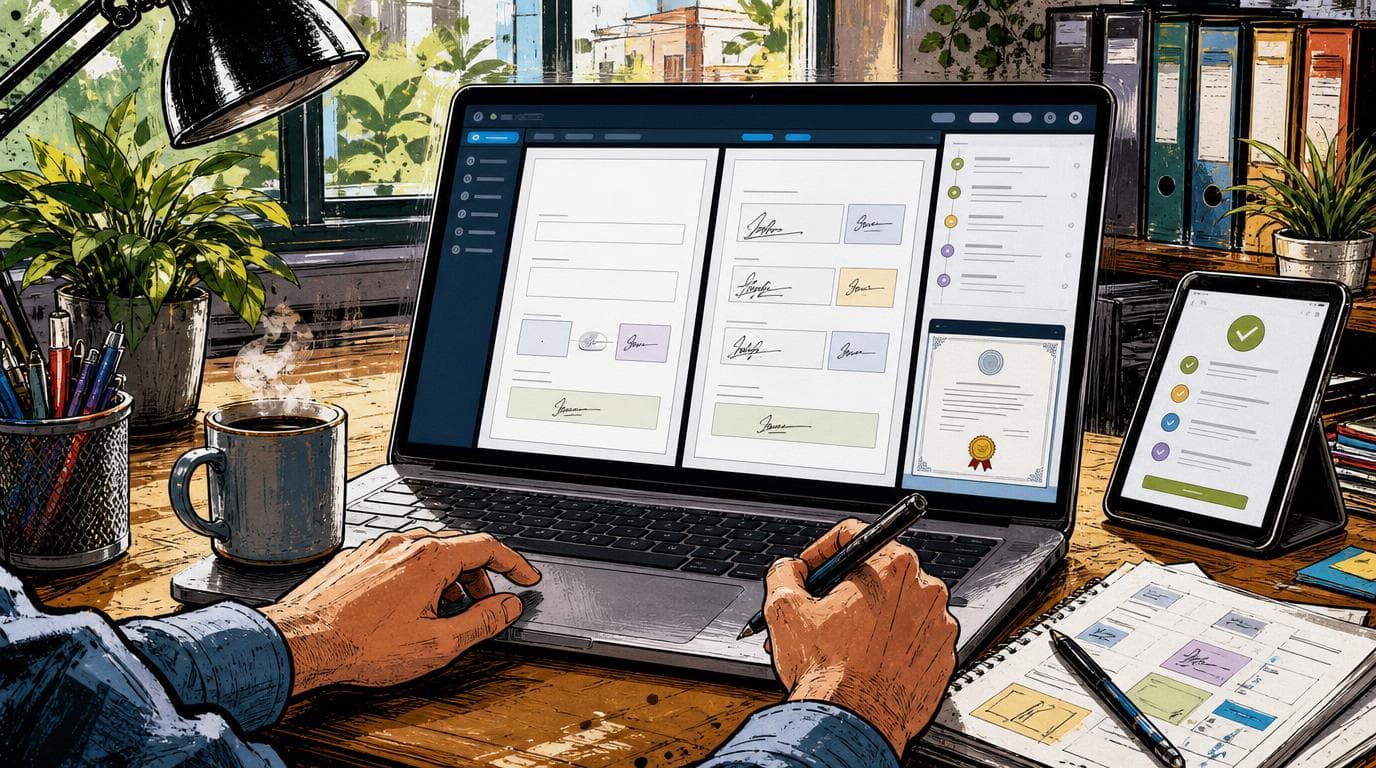
You can run your own document signing, on your own server, for the cost of a small virtual machine, and hand clients a signing link that looks and behaves like the one they already know. The thing that currently does this for you is DocuSign, and its Business Pro plan is 45 dollars per user per month, 540 dollars a seat a year on the annual price, with a cap of 100 signature requests per user per year before you start paying overages. Documenso is the open source version of that same workflow, it carries 14,200 stars, and it shipped again six days ago.
What actually changed
Documenso is not new, but it is moving. The v2.15.0 release landed on July 21, the latest in a monthly cadence that has held all through the spring and summer. Recent versions added signing through Cloud Signature Consortium providers for advanced and qualified electronic signatures, DOCX to PDF conversion, per-recipient document expiration, API endpoints that pull the signing certificate and the audit log down as PDFs, custom brand colors on outbound signing emails, and a cancellable document state for the deal that dies halfway through.
The core underneath all that is boring in the way infrastructure should be. Upload a PDF. Drag signature, date and text fields onto it. Route it to signers in an order you set. Get back a signed copy with an audit trail and a certificate page. It supports PAdES, the PDF signature standard, which is what makes a signed document hold up as more than a picture of a scribble.
The part that matters if you do not write code is that you do not have to touch the code to run it. The README carries one-click deploy buttons for Railway, Render, Koyeb and Elestio, plus official Docker images and a documented compose file. There is also a hosted version at documenso.com that is free for five documents a month and 25 dollars a month for unlimited on a single user, which is the honest fallback for anyone who does not want to own a server.
What the first afternoon actually looks like
Here is the walk-through, because "one-click deploy" is a phrase that has hurt people before.
You click the deploy button in the README and land in Railway or Render with a project already scaffolded. You add a Postgres database, which on both platforms is a menu item rather than a decision. The deploy screen then asks you for a handful of environment variables. Two of them are secrets you generate yourself with a command the docs hand you, and one is the public URL your instance will live at, which you have to get right because signing links are built from it. That is maybe twenty minutes if nothing surprises you.
Then email, which is the step people underestimate. Documenso does not send mail for you. Every signature request, reminder and completion notice goes out through an SMTP provider you supply, so you need an account somewhere like Resend, Postmark or Amazon SES, a verified sending domain, and the SPF and DKIM records to go with it. If your DNS lives somewhere you have access to, that is another half hour. If it lives with the guy who built your website in 2019 and no longer answers email, that is your afternoon.
Custom domain next, so the signing link says your company rather than a subdomain a client will not recognize. That is a CNAME record and a few minutes of certificate provisioning.
Then the step that actually stops people, and the one no summary of this project ever mentions: the signing certificate. A self-hosted instance needs an X.509 certificate to digitally sign completed documents, and you generate it yourself as a .p12 file. It is free, it takes one command, and the docs are clear about it. What the docs are also clear about is the consequence. A self-signed certificate is fine for internal and ordinary business documents, but Adobe Acrobat will not show the green verified checkmark on the finished PDF. Your signer sees a note that the signature cannot be verified. The document is still cryptographically intact and the audit trail still holds, but the reassuring green tick that people have been trained to look for is not there unless you buy a certificate from a recognized authority or wire up a cloud signing provider. That difference belongs in your decision, not in a footnote.
Last, send yourself a test envelope from a second address and sign it end to end. Read the audit log, download the completed PDF, and do it on the custom domain rather than the deploy URL, because that is where the misconfiguration hides.
Call it a genuine afternoon, four hours or so, for someone comfortable clicking through a hosting dashboard and editing DNS records. Two hours if your email domain is already set up and you have done a deploy before.
Why it matters if you send contracts
If you are a 30-person shop and six people need to send things for signature, DocuSign is not 45 dollars, it is 45 times six times twelve, so you are at 3,240 dollars a year, and that is before anyone hits the cap. A hundred signature requests per user per year sounds generous until you do the division: it is two a week. A salesperson sending proposals blows through that by August, and then you are either paying per-envelope overages or being moved up a tier.
The signing itself is not hard technology. What you have been paying for is the hosting, the audit trail, the legal defensibility and the fact that someone else keeps it running. Documenso gives you the first three outright and asks you to supply the fourth, either yourself or through their hosted plan.
The self-hosting angle is the real lever, and not only for the money. When you host it, the signed documents and the signer data sit in your database, on infrastructure you picked, in a region you chose. For anyone handling contracts with health, financial or legal detail in them, "the file never leaves my infrastructure" is a sentence worth actual money, and it is one DocuSign structurally cannot say at any price below the enterprise tier where data residency becomes a line item.
There is a second reader for this. If you run marketing or revenue ops and have ever needed a signing step inside a workflow you own, this is the shape of tool you can stand up yourself instead of filing a ticket and waiting a quarter. Documenso has a public API covering documents, recipients, fields, templates and teams, and it emits webhooks on document events. That means the completed-signature event can land in your CRM, flip a deal stage, or kick off onboarding without anyone writing a connector for you. The version of this you would have asked engineering for is a deploy button and an afternoon.
What DocuSign still does that this does not
The daily workflow gap is smaller than you would expect. Documenso has reusable templates, organization-wide template sharing, and bulk sending from a template by uploading a CSV of recipients, which is the feature most people assume is missing. It has teams, roles, embedded signing, and the API and webhooks above.
The gap is at the edges, and the edges are where regulated businesses live. DocuSign's top tier carries single sign-on and organization-wide user management, conditional recipient routing, document visibility rules, remote online notarization, data residency guarantees, a HIPAA business associate agreement, FedRAMP authorization and 21 CFR Part 11 compliance for life sciences. If any of those words are load-bearing in your industry, the conversation ends there and you keep paying.
Then there is the catalog. DocuSign advertises over a thousand partner integrations, with Salesforce, Dynamics and NetSuite connectors available on the higher plans. If your signing step is currently a button inside Salesforce that a rep clicks without thinking, replacing DocuSign is not a signing project, it is a Salesforce project, and you should price it as one. Documenso gives you an API and webhooks. That is a foundation, not a connector.
Moving the office over
Nobody tells you about the middle part, so here it is. In-flight envelopes do not migrate. Anything already out for signature stays in DocuSign until it completes or dies, which means you run both systems for a few weeks while the tail drains.
Templates do not migrate either. Every template you have built, with its field positions and its recipient roles and its little conditional habits, gets rebuilt by hand in the new system. For a shop with four templates that is an hour. For a shop with forty it is a project, and it is the single most underestimated cost in this whole exercise.
Your historical archive is the other thing. Completed documents and their audit trails live in DocuSign, and they stop being yours to reach when the subscription lapses. Export everything before you cancel, not after, and keep one seat alive a month past the cutover if that makes you nervous.
Then the office itself. The signer experience is close enough that clients will not notice. The sender experience is different enough that whoever sends contracts will be annoyed for two weeks, so budget an hour of walking them through it and accept the grumbling.
The honest take
Free is doing a lot of work in that opening paragraph, so here is the rest of the invoice. Setup is the afternoon described above. The running cost is not zero either: budget 10 to 20 dollars a month for a small instance and managed Postgres, plus whatever your email sending runs, which for this volume is usually a free tier. That is an order of magnitude under the DocuSign line, but it is not nothing, and it is yours to babysit when it breaks at 6pm on a Friday.
The license is the other thing to read before you commit. The LICENSE file is AGPL-3.0, not a permissive license. For a business that self-hosts it and signs its own contracts internally, that is fine. Run it and forget it. The AGPL only bites if you modify the code and then offer that modified version to outside users as a network service, in which case you owe those users your source changes. Most operators will never touch that condition. Anyone thinking about wrapping it into a product they sell should talk to a lawyer first, or look at the enterprise license.
Two more caveats. The project no longer accepts external pull requests except from a small group of trusted contributors, which is a defensible call for a security-sensitive tool but does concentrate the work in a handful of maintainers. If this becomes load-bearing for your business, you are trusting a small team, and your insurance policy is that the code is on your own server and cannot be switched off remotely. And the qualified electronic signature support, the tier carrying the strongest legal weight in the EU, runs through external certificate providers you configure and pay for separately, so do not assume the highest compliance bar is on by default just because the feature exists in the changelog.
Who should not do this
If nobody at your company owns a server, do not self-host this. Take the hosted plan or stay where you are. A signing system that is down is worse than a signing system that is expensive, and "we will figure it out if it breaks" is not an operations plan when a deal is waiting on a signature.
If your signing lives inside a CRM integration your team depends on daily, the honest answer is that you are not comparing 3,240 dollars to 200 dollars. You are comparing it to 200 dollars plus rebuilding that integration.
And if you are in a regulated corner where notarization, Part 11, or a signed BAA is the requirement rather than a nice-to-have, this is not your tool yet.
None of that erases the case. It sharpens it. This is a real tool doing a real job that a real vendor charges real per-seat money for, and the gap between "free repo" and "running system" is a few hours and a cheap server rather than a development project.
The question this leaves on your desk is not whether Documenso works. It does. It is whether the afternoon and the small monthly bill are worth more or less to you than the seat licenses you are renewing without reading.
Sources
Every claim above traces back to one of these. Go read them yourself.
- 01Documenso repository
Documenso / github.com / retrieved Jul 27, 2026
- 02Documenso v2.15.0 release
Documenso / github.com / retrieved Jul 27, 2026
- 03Documenso LICENSE (AGPL-3.0)
Documenso / github.com
- 04DocuSign plans and pricing
DocuSign / docusign.com / retrieved Jul 27, 2026
Related reading
Nearest neighbours by meaning, drawn from the whole library rather than from matching tags. Some of these are from a different series on purpose.
Repo of the day
Macro and the forty-dollar stack
Ten people on Superhuman and Linear alone costs $5,880 a year, and all it buys is an inbox and a task board. Macro does email, chat, docs, tasks, calls and CRM out of one app for $40 a seat, and it moved to the AGPL in May, which means the escape hatch is written into the license.
Operator answers
Your Software Just Added AI. Do You Pay For It?
Three renewals this quarter, three new AI lines, priced anywhere from twenty nine dollars flat to a hundred and twenty five per seat. Which ones to pay for has almost nothing to do with how good the AI is.
Repo of the day
Twenty and the data model you were renting
A ten-person sales team on Salesforce list pricing pays about $21,000 a year, and the thing they are actually renting is not the software. It is the shape of their own business. Twenty puts that shape in a repository you own, and it shipped four releases in two days.