LibraryOperator answers12 min read
Your Software Just Added AI. Do You Pay For It?
Three renewals this quarter, three new AI lines, priced anywhere from twenty nine dollars flat to a hundred and twenty five per seat. Which ones to pay for has almost nothing to do with how good the AI is.
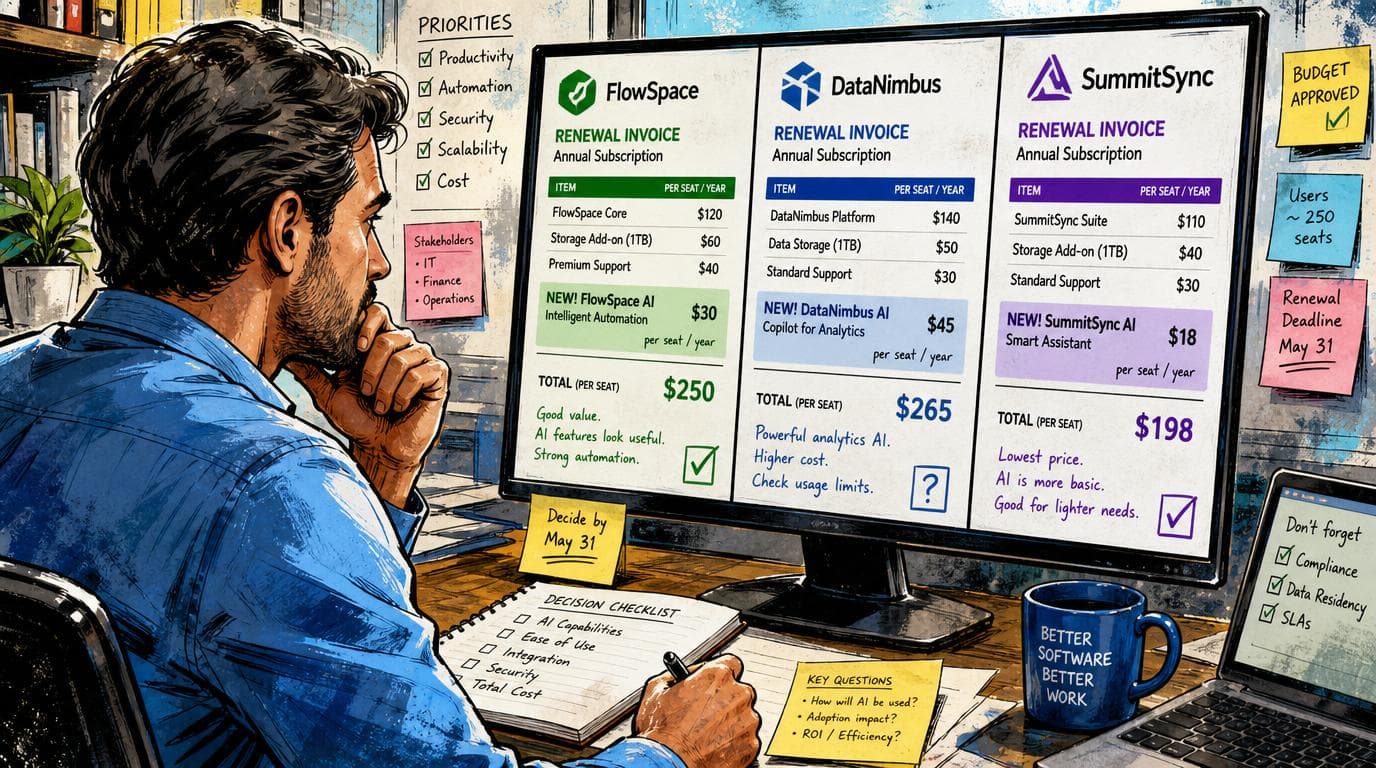
Three renewal quotes are sitting on your desk and every one of them grew a new line since last year. The field service platform wants another twenty nine dollars a month for an AI receptionist. The CRM wants a hundred and twenty five dollars per user per month for its agent suite, which across twelve people is fifteen hundred a month, eighteen thousand a year, on top of everything you already pay that vendor. The marketing tool did not add a line at all. It just started charging you in credits, the credits reset on your billing date, and whatever you did not spend is gone. All three of those are called AI in the deck. Twenty nine dollars a month for the whole shop, against fifteen hundred a month for twelve people, and nothing in any of the three conversations explains the difference.
Here is the answer, and it is shorter than the deck. You are never paying for the model. The model is a commodity you can already reach three other ways, and every vendor selling you an AI tier is buying it from the same two or three places you would. What you are paying for is the wiring and the write access: the fact that the thing is already plugged into your records, and that it is allowed to change them without a person in the chair. Price the add-on against what that wiring would cost you to build and what that write access would cost you to staff. If neither number is large, the answer is no, and it stays no no matter how good the demo was.
Then, before you sign anything priced by usage, go find the spending cap and set it. The default behavior on metered AI does something to your contract that the pricing page does not mention, and I will get to it, because it is the part of this that actually costs people money.
Three different things are being sold under one word
Sort every AI feature you have been quoted into one of three piles. The sorting takes about ten minutes and it does most of the work.
The first pile is AI that answers you. A chat box, a drafting assistant, a summarize button. It reads what is on the screen and writes something back. This is the pile that got the most marketing and is worth the least money, because you already own it. Anyone on your team with a browser can paste the same paragraph into an assistant the company already pays for and get the same output. The vendor has wrapped a general model in their font and put it behind a button inside their app. That convenience is real and it is worth something. It is not worth a per seat line item, and increasingly the vendors agree, which is why so much of this pile quietly stopped being an add-on and got folded into the plans.
The second pile is AI that reads your system of record and answers questions about it. What did we quote this customer last spring, which jobs lost money in July, who has not been followed up with. This is genuinely harder than the first pile and it is not something a person with a browser reproduces, because the answer lives across a few thousand rows the assistant cannot see. The value here is not the model. It is the plumbing: someone has already connected the model to your data, handled the permissions, and made it fast enough to use. That plumbing has a real price and it is usually a modest one.
The third pile is AI that acts inside the system without you. It answers the phone, books the appointment, writes the record, sends the follow up. Nobody reviews it before it happens. This is the only pile that displaces a person rather than a task, and it is the pile worth paying for, because the thing you are buying is not intelligence. It is the write access, and the vendor's willingness to be on the hook when it writes something wrong.
You can watch a vendor sort their own features into these piles if you read a pricing page carefully. On Jobber's pricing page, the AI Chat that answers questions from your business data and the AI Voice that lets a tech log notes by talking are listed inside the plans, no upcharge. The Receptionist, which answers a call or a text when nobody picks up and books the job into your calendar, is a twenty nine dollar a month add-on. That is not a vendor being generous with two features and greedy with the third. That is a vendor pricing the difference between something that answers and something that acts, and they have priced it about right.
The pricing model tells you what the vendor knows about their own product
There is a second read available on any pricing page that carries both a flat option and a metered one, and it is more useful than anything in the feature comparison.
Salesforce publishes both for Agentforce. You can buy the add-on for Sales, Service, or Field Service at a hundred and twenty five dollars per user per month, described as unmetered usage for employees. Or you can buy the Agentforce User License at five dollars per user per month, which requires you to also buy Flex Credits at five hundred dollars per hundred thousand credits, which works out to half a cent a credit. Same capability, two prices, and the ratio between them is twenty five to one before a single credit is spent.
Do the arithmetic that the page does not do for you. The gap between the flat seat and the metered seat is a hundred and twenty dollars per user per month, which at half a cent a credit buys twenty four thousand credits. Salesforce's own worked example on that same page prices a sales use case at forty credits per request, twenty requests a day, thirty days, and arrives at exactly twenty four thousand credits and exactly a hundred and twenty dollars. So the break even is right around twenty heavy agent actions per person per day, every day, including weekends. Below that, the metered seat is cheaper. Above it, the flat one is.
Now look at how far apart their own examples land. The same page shows an onboarding use case at ten dollars a month, a field service use case at three hundred, a voice use case at a hundred and eighty, and a hundred user service deployment at eighteen hundred. Those are all the same product. The spread across them is a hundred and eighty fold, and every one of those use cases looks about the same in a demo.
That is the real signal. When a vendor sells you both a flat price and a meter for the identical capability, they are telling you plainly that they cannot predict your usage. If they could, there would be one price. And if the company that built the thing cannot forecast what you will spend on it, the forecast your rep wrote on the back of the quote is not a forecast, it is a hope.
The clause that actually costs money
Everything above is about the sticker. The thing that empties an operations budget is a default setting.
Read HubSpot's own documentation on how credits work, updated at the end of July. Every seat based account gets an allocation of credits, the credits reset monthly on your usage date, and unused credits expire rather than rolling over. Fine, and normal. Then there is this. Once you have bought an additional capacity pack, the default billing behavior when you exceed your monthly limit is an automatic upgrade to a higher capacity pack, and that upgrade holds for the rest of your commitment term. Their example is an account with five thousand included credits plus a purchased pack of a thousand. Use sixty five hundred in one cycle and another thousand credit pack is added automatically, taking the monthly limit to seven thousand for the remainder of the contract. You can only cancel or downgrade capacity packs at the end of the contractual commitment term.
Read that in operator terms. One busy September, one campaign that ran hotter than planned, one enrichment job somebody kicked off twice, and your monthly floor is permanently higher until renewal. Not the month you overspent. Every month after it. The ratchet only goes one way and the only date you can turn it back is the date you were already going to be negotiating anyway.
Salesforce handles the same situation differently and it is worth naming, because it is better: their page says there is no overage penalty, that going past your entitlement bills at your contracted rate monthly in arrears, and that unused Flex Credits do not roll over into subsequent terms. You pay for what you used, at the price you agreed, and next month starts clean. That is the version you want, and it is a reasonable thing to ask a rep to write into a contract with a different vendor.
The fix on the HubSpot side is in the same document and it takes about four minutes. There is a maximum monthly credit limit you can set for the whole account, and a separate limit you can set for each individual tool that spends credits. Set both before you turn a single agent on. Set the account limit at the number you would actually be willing to see on an invoice, not at the number you expect. Features pause when they hit the ceiling, which sounds bad and is in fact exactly what you want a runaway automation to do at two in the morning. You will also get notified at seventy five, eighty five, and ninety percent, which is only useful if somebody who can act on it is on the billing contact list. Check who that is. It is frequently a person who left.
What this looks like on two real desks
Forty trucks, one office manager, calls going to voicemail after five. The Receptionist add-on is twenty nine dollars a month, three hundred and forty eight dollars a year, and it books jobs into the calendar while nobody is there. One recovered after hours call pays for the year. It is in pile three, it does the write, and there is no version of this you build yourself on a Friday. Buy it. The same vendor's marketing add-on at seventy nine dollars a month is a different question entirely, because most of what it produces is copy somebody could generate in an assistant you already pay for. That one is pile one wearing pile three's price tag. Skip it this year and revisit when it starts booking things rather than suggesting them.
Twelve people on a CRM, ops lead wants agents on lead routing and data cleanup. Fifteen hundred a month for the flat seats is not the right first move, because nobody on that team is doing twenty heavy agent actions a day yet and the break even math says so. Start metered, set the cap at a number the owner has actually approved, run it for two full billing cycles, and read the usage report. You will have a real number by October, and a real number is the only thing that has ever won a renegotiation.
Where this rule stops working
Four places, and they are not edge cases.
The first is that "you could just paste it into an assistant" is true for the owner and false for a team of twelve. The paste is where adoption dies. If the choice is a mediocre AI feature inside the tool people already have open all day, or a better one in a tab they will never switch to, the mediocre one in the tool wins on the only metric that matters, and paying the upcharge is you buying adoption rather than capability. That is a legitimate purchase. Just be honest with yourself that it is what you are doing, because it changes what you should measure afterward.
The second is data you are not allowed to move. If the records are covered by an agreement that says where they can be processed, the pile one logic collapses, because pasting is not on the table. The add-on is then the only compliant path and its price is whatever it is.
The third is bundling. Sometimes the AI arrives inside a tier you needed for unrelated reasons, and the honest read is that you are not buying AI at all, you are buying the tier and the AI came along. Do not let a rep count that twice in the same conversation.
The fourth is the one nobody mentions. The manual path you are protecting by skipping the add-on is not guaranteed to survive. Vendors deprecate the boring surface once the agent version is the one they are selling, and the operator who skipped it for two years discovers the export button moved behind the tier they refused. You cannot prevent that, but you can price it: ask, in writing, whether the existing manual workflow is committed for the contract term. The answer, and how long the rep takes to give it, tells you more about that vendor's roadmap than the roadmap slide did.
There is also a cost to following this rule that I should name rather than skip past. Buying narrowly means running two things instead of one, and somebody has to remember which is which. That fragmentation is real and it compounds, and there is a point at which paying the bundled price for a worse product is the correct answer purely because it is one bill and one login. That point arrives later than vendors claim and sooner than stubborn buyers admit.
Every AI line item on those three quotes is priced as though the model were the scarce thing. It is the most abundant thing in the building. What is scarce is that your records are already inside their walls, and that they are willing to let software touch those records without asking you first.
Sources
Every claim above traces back to one of these. Go read them yourself.
- 01Agentforce Pricing
Salesforce / salesforce.com / retrieved Aug 13, 2026
- 02Jobber Pricing
Jobber / getjobber.com / retrieved Aug 13, 2026
- 03Manage HubSpot Credits
HubSpot / knowledge.hubspot.com / retrieved Aug 13, 2026
Related reading
Nearest neighbours by meaning, drawn from the whole library rather than from matching tags. Some of these are from a different series on purpose.
Repo of the day
Macro and the forty-dollar stack
Ten people on Superhuman and Linear alone costs $5,880 a year, and all it buys is an inbox and a task board. Macro does email, chat, docs, tasks, calls and CRM out of one app for $40 a seat, and it moved to the AGPL in May, which means the escape hatch is written into the license.
Repo of the day
Twenty and the data model you were renting
A ten-person sales team on Salesforce list pricing pays about $21,000 a year, and the thing they are actually renting is not the software. It is the shape of their own business. Twenty puts that shape in a repository you own, and it shipped four releases in two days.
Repo of the day
Open Design and the seat everybody waits on
A Figma Full seat costs $16 a month for every person allowed to make something instead of just look at it, and the queue behind the one person who has it is worse than the bill. Open Design is an Apache-2.0 desktop app that hands the making part to a coding agent you already pay for, and it shipped again yesterday.