

LibraryFoundational AI: Do's and Don'ts2 min read
Move useful AI memories into Breeze, with a review
Use Breeze Assistant's memory import to carry over a few useful preferences and review what it saves.
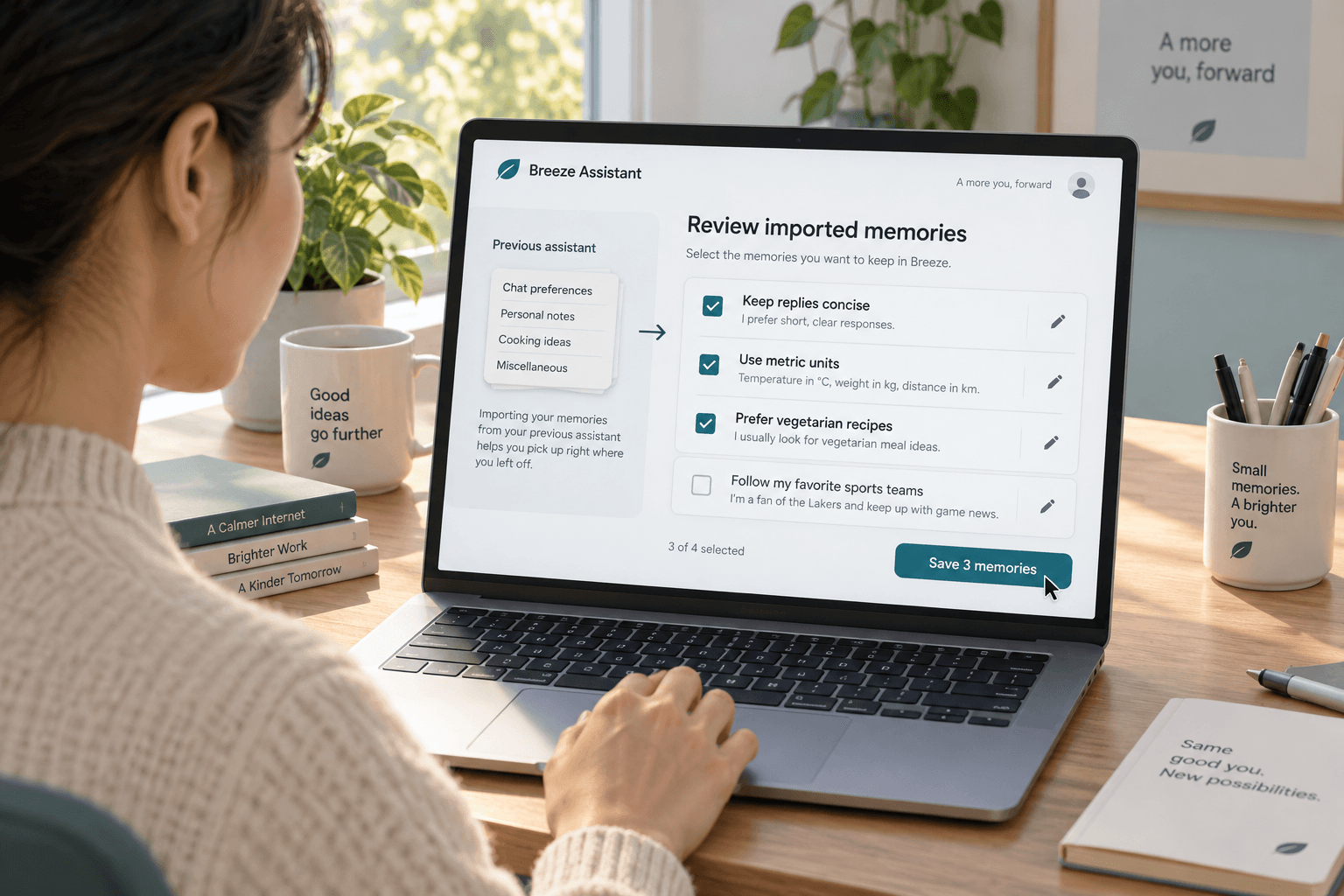
If you're trying Breeze Assistant for work you already do with another AI tool, start by bringing over a few details you keep repeating. Think of a writing preference or a short description of your role. There's an import button in Breeze, and the step that deserves your attention is deciding what to paste.
A HubSpot Community member shared a prompt-based transfer and asked what others would include or leave out of the export. HubSpot's memory import instructions give you a place to put a reviewed version of that context. HubSpot lists the feature across plans, with Breeze Assistant access enabled in the account's AI settings.
Transfer a small, reviewed set
- Open Breeze Assistant, then go to More > Memories > Import in the Breeze menu. Copy the export prompt HubSpot provides and run it in the other assistant, if that tool supports memory export.
- Read the result before you paste it. Keep durable preferences that apply to future work. Remove client information, secrets, finished projects, and details the old assistant guessed or got wrong.
- Paste the approved text into the import panel and select Import memories. HubSpot says Breeze opens a new chat to save the imported memories and uses them in future chats.
- Open Memories again to see what Breeze saved. HubSpot's Breeze Assistant guide explains how to manage stored memories. Remove anything stale or too broad before you rely on it.
For example, you might keep this preference. “For an internal handoff, give me a short summary, then list the owner and next action.” Leave the customer names and account details from your last handoff where they belong.
Try one low-stakes task where the preference should show up. Read the result against what you asked Breeze to remember. If the imported context doesn't help, delete it. You can always add another detail once you have a reason to keep it.
Sources
Every claim above traces back to one of these. Go read them yourself.
- 01Prompt to move your memory from ChatGPT or Claude into Breeze
HubSpot Community / community.hubspot.com / retrieved Nov 22, 2026
- 02Use Breeze Assistant
HubSpot / knowledge.hubspot.com / retrieved Nov 22, 2026
- 03Import memories to Breeze Assistant
HubSpot / knowledge.hubspot.com / retrieved Nov 23, 2026
Suggested reading
Selected articles based on topic, tags, and skill focus across the library.
Foundational AI: Do's and Don'ts
Audit HubSpot Customer Agent conversations, not just its score
HubSpot’s Customer Agent reports can show volume, resolution, handoffs, and coaching opportunities. Pair those metrics with a small, consistent review of actual conversations to judge answer quality.
Foundational AI: Do's and Don'ts
Make a decision table before asking AI to apply a rule
When a work rule depends on several conditions, map the combinations and their outcomes before asking AI to apply it. The table can expose gaps your prompt would otherwise hide.
Foundational AI: Do's and Don'ts
Separate what someone did from why you think they did it
AI can turn a late reply or missed deadline into a confident story about someone's intent. Keep the observed behavior separate from the explanation before it shapes a business decision.